 Sell My Games
Just Released: Upload Your PriceCharting Collection to Sell Games Faster
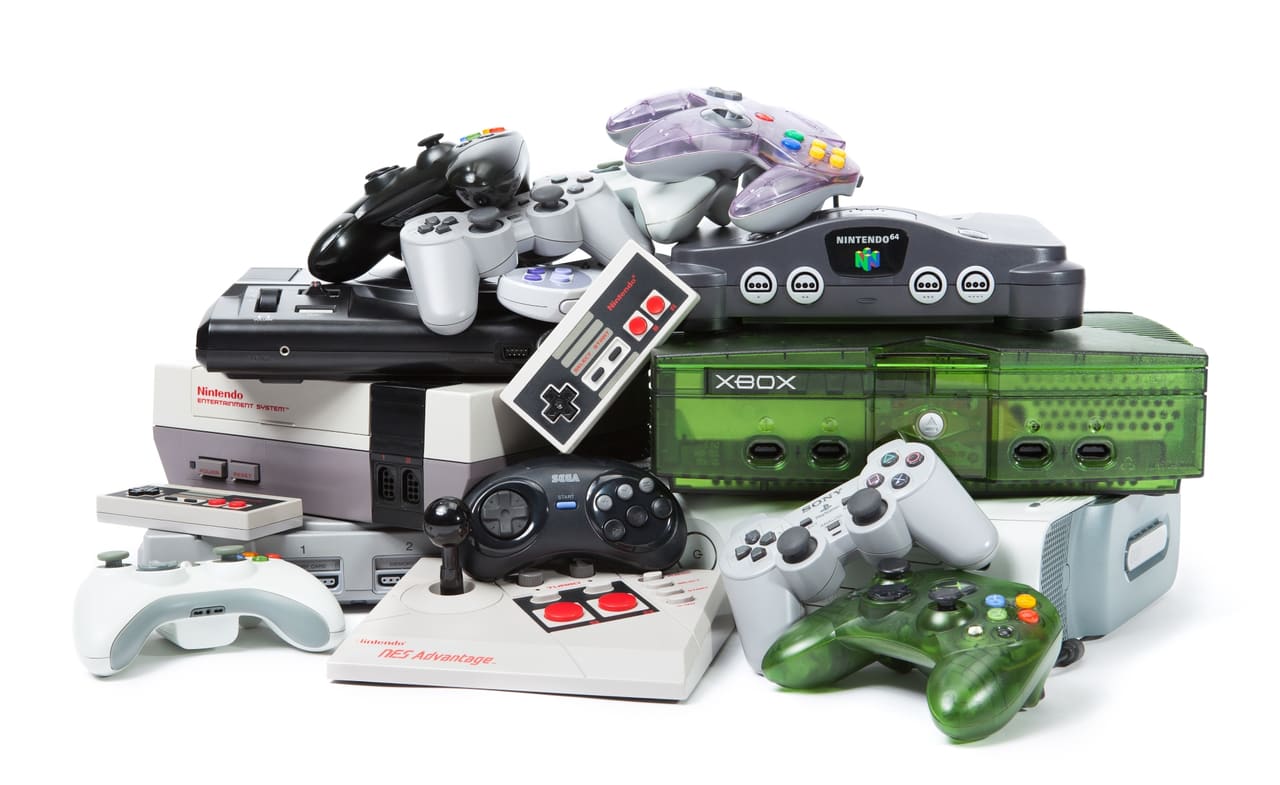
We are excited to offer our just-released PriceCharting Bulk Collection Upload feature. If you already track your games on PriceCharting, you can now use your collection link to start a Sell My Games quote much faster and quickly see what we would pay for the games we can match.
Selling a large video game collection should not mean searching for every title one at a time. Instead of manually typing each game, you can paste a public PriceCharting collection link, review the matches we find, and add the games you want to sell directly to your cart. It is built for collectors with shelves, bins, or spreadsheets worth of games who want a cleaner way to get a quote.
Why We Built It
Many sellers already use PriceCharting to catalog their collections. That is great for tracking estimated market value, but when it is time to sell, the next step can still feel tedious: searching game by game, checking systems, and making sure the right version lands in your cart.
Bulk Collection Upload is designed to remove as much of that repetitive work as possible while still keeping you in control. We read the collection, compare it against the items we currently buy, and show you what matched before anything is added to your quote.
How Bulk Collection Upload Works
- Get your PriceCharting collection link. In PriceCharting, go to My Account > Collection and use Share Your Collection. Your collection needs to be shared/public for link import to work.
- Paste the link on Sell My Games. Visit our Bulk Collection Upload page and paste the PriceCharting collection URL.
- Review the results. We show matched items, items that need your review, and anything we could not confidently match.
- Add selected games to your cart. Choose what you want to sell, add those items to your quote, then continue through the normal checkout flow.
If the link import does not work, we also support a CSV fallback. Export your PriceCharting collection with the category set to Video Games, unzip the emailed file, and upload the CSV on the same page.
You Still Stay in Control
Automated matching is helpful, but it should not make decisions for you. Some games have multiple versions, similar names, or platform differences that matter. When we find more than one possible match, we ask you to choose the right item before adding it to your cart.
You can also skip anything you do not want to sell. Bulk upload is a faster way to fill out your quote, not a commitment to send your entire collection.
A Few Things to Check Before You Ship
Your quote is based on the selected items in your cart, and final payout is based on inspection after your package arrives. Please make sure the games, consoles, and accessories you ship match the items you selected. We also still apply our normal condition and missing-part policies, including deductions for items that are damaged, incomplete, or different from the cart entry.
As always, orders must meet our $25 minimum, shipping is free for submitted orders, and you can choose from our available payout methods during checkout.
Ready to Try It?
If you have a PriceCharting collection, this is now the fastest way to start a Sell My Games quote. Paste your collection link, review the matches, and see what we would pay for the games you want to sell.